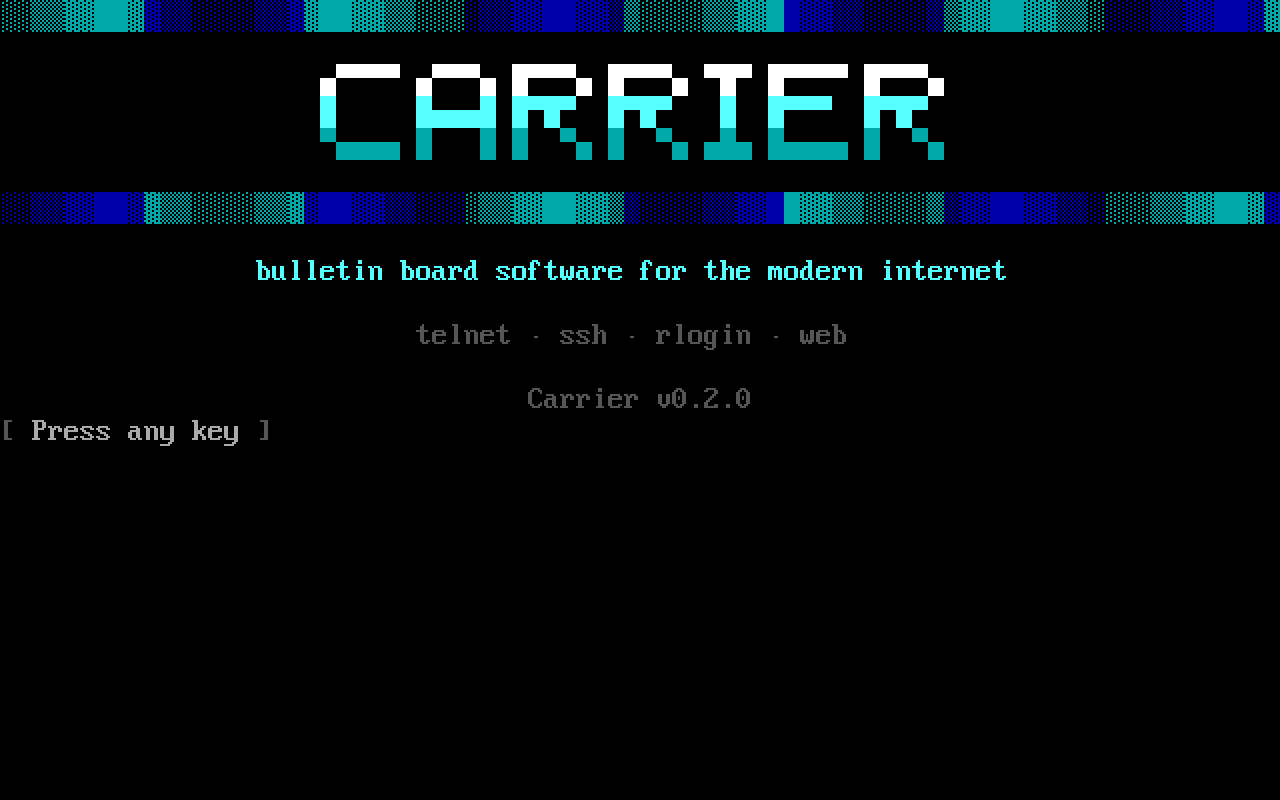
╔═╡ Connect screen ╞════════════════════════════════════════════════════════════════════════════════════════════════════════════════════════ ╗
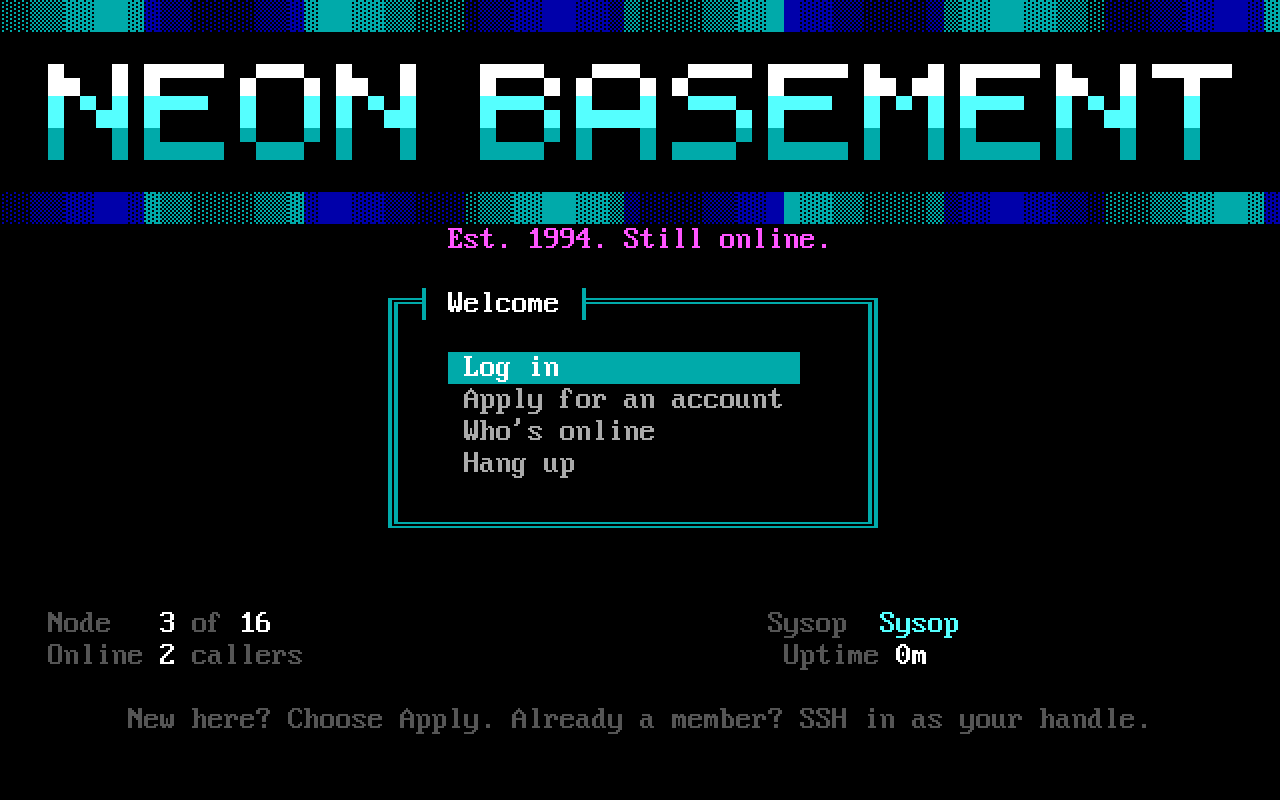
╔═╡ Login matrix ╞════════════════════════════════════════════════════════════════════════════════════════════════════════════════════════ ╗
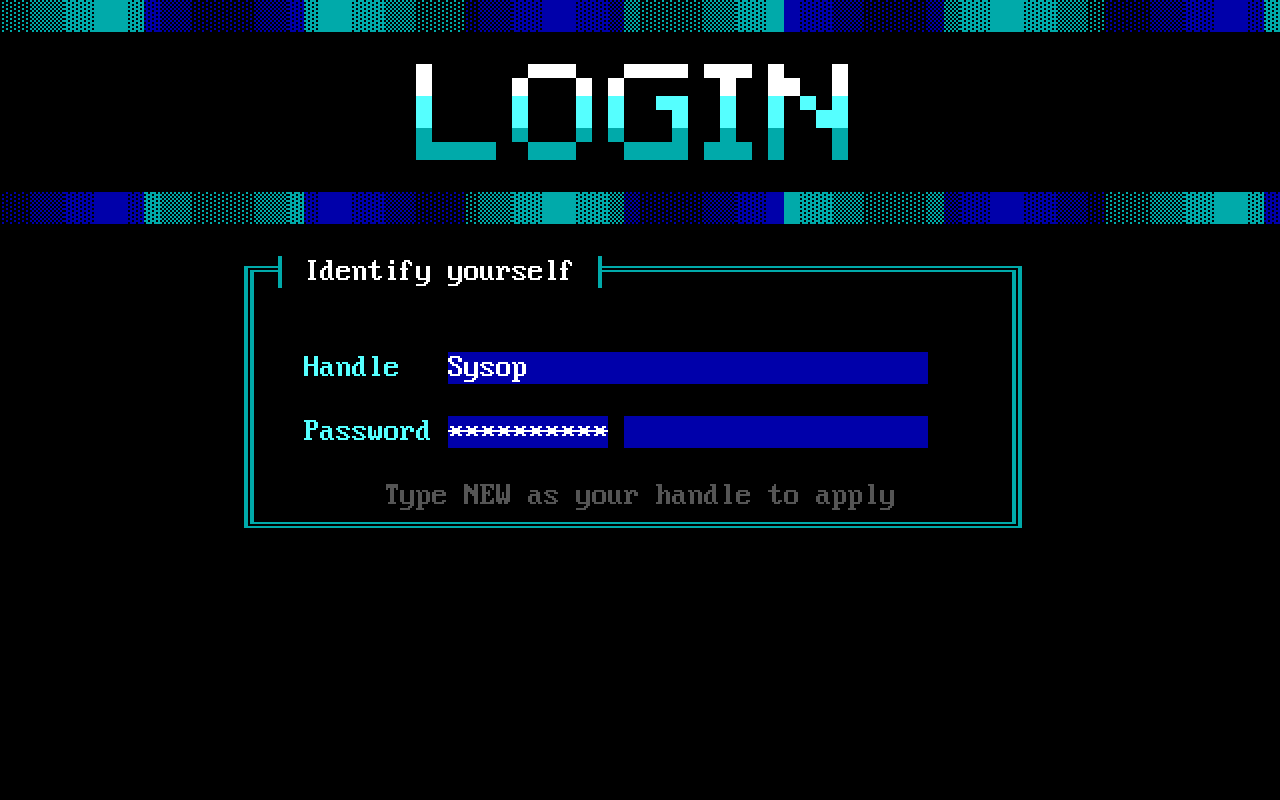
╔═╡ Login ╞════════════════════════════════════════════════════════════════════════════════════════════════════════════════════════ ╗
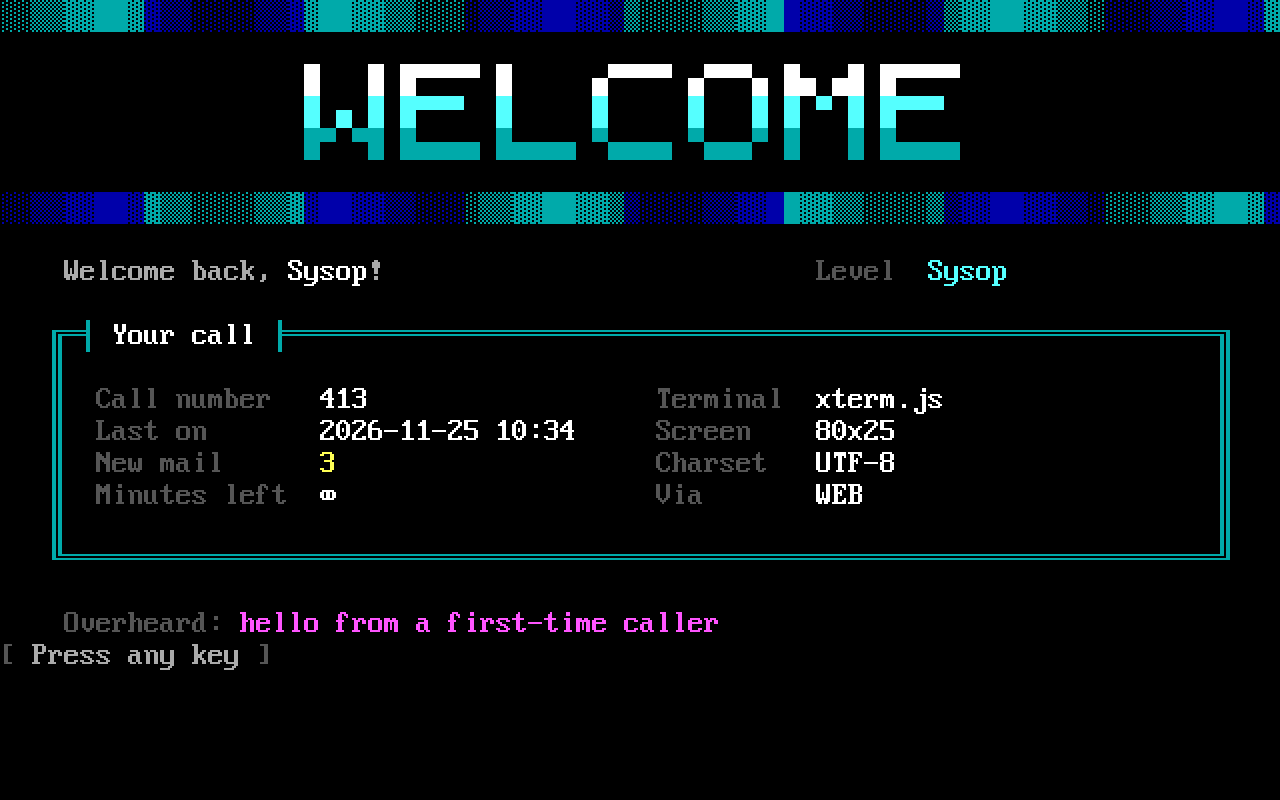
╔═╡ Logon ╞════════════════════════════════════════════════════════════════════════════════════════════════════════════════════════ ╗
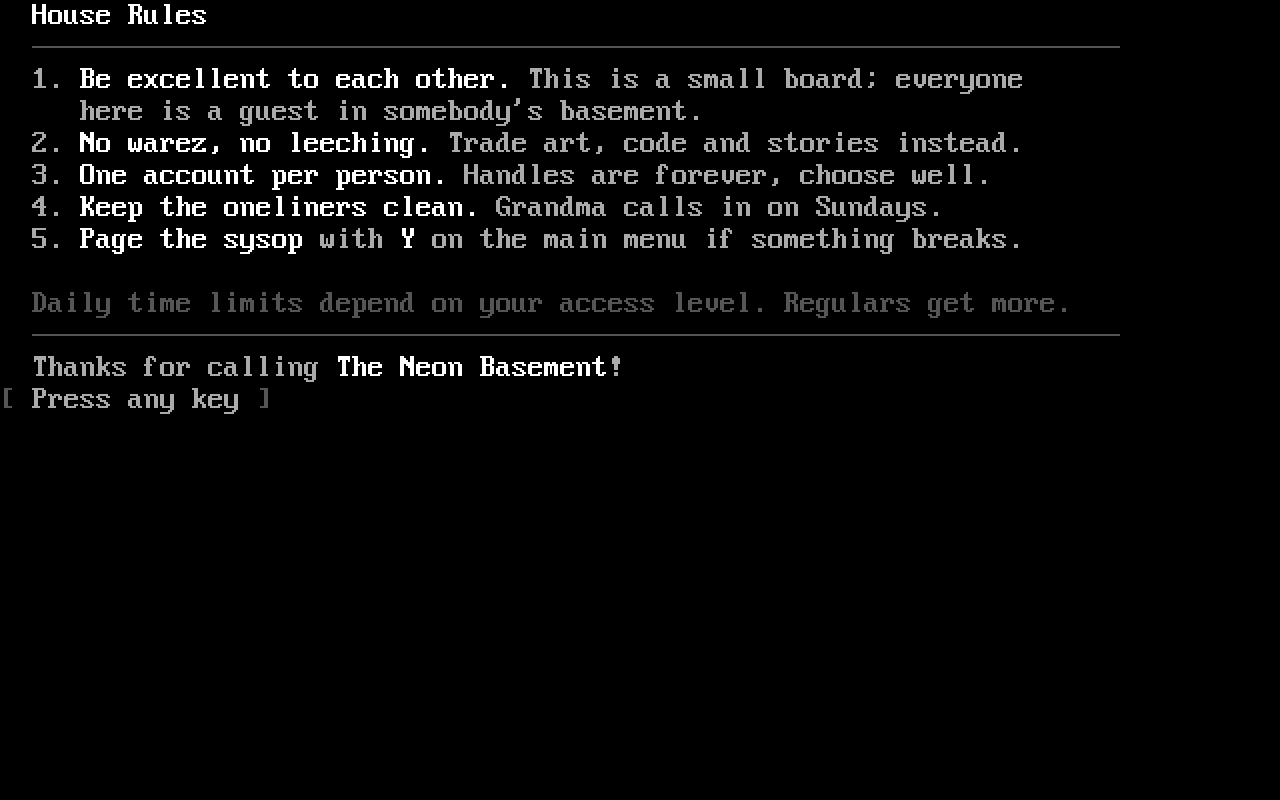
╔═╡ Bulletin ╞════════════════════════════════════════════════════════════════════════════════════════════════════════════════════════ ╗
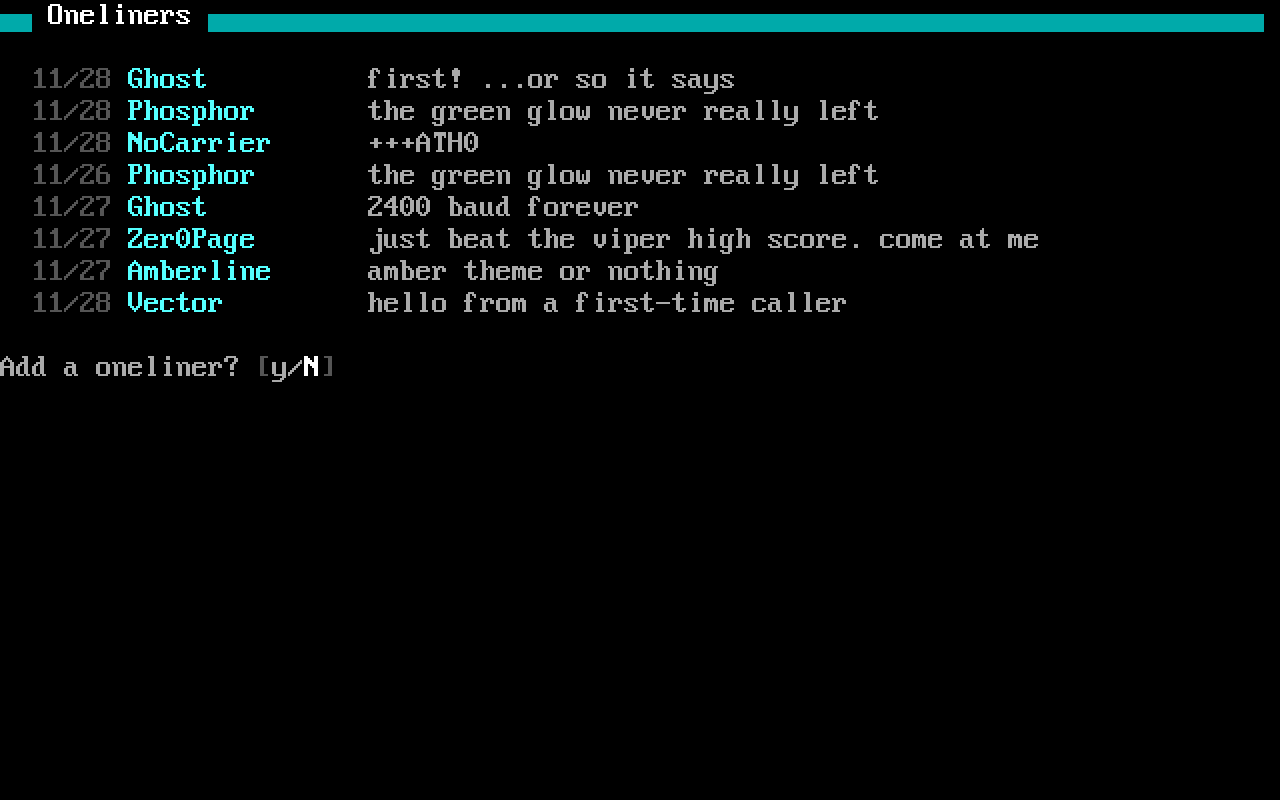
╔═╡ Oneliners ╞════════════════════════════════════════════════════════════════════════════════════════════════════════════════════════ ╗
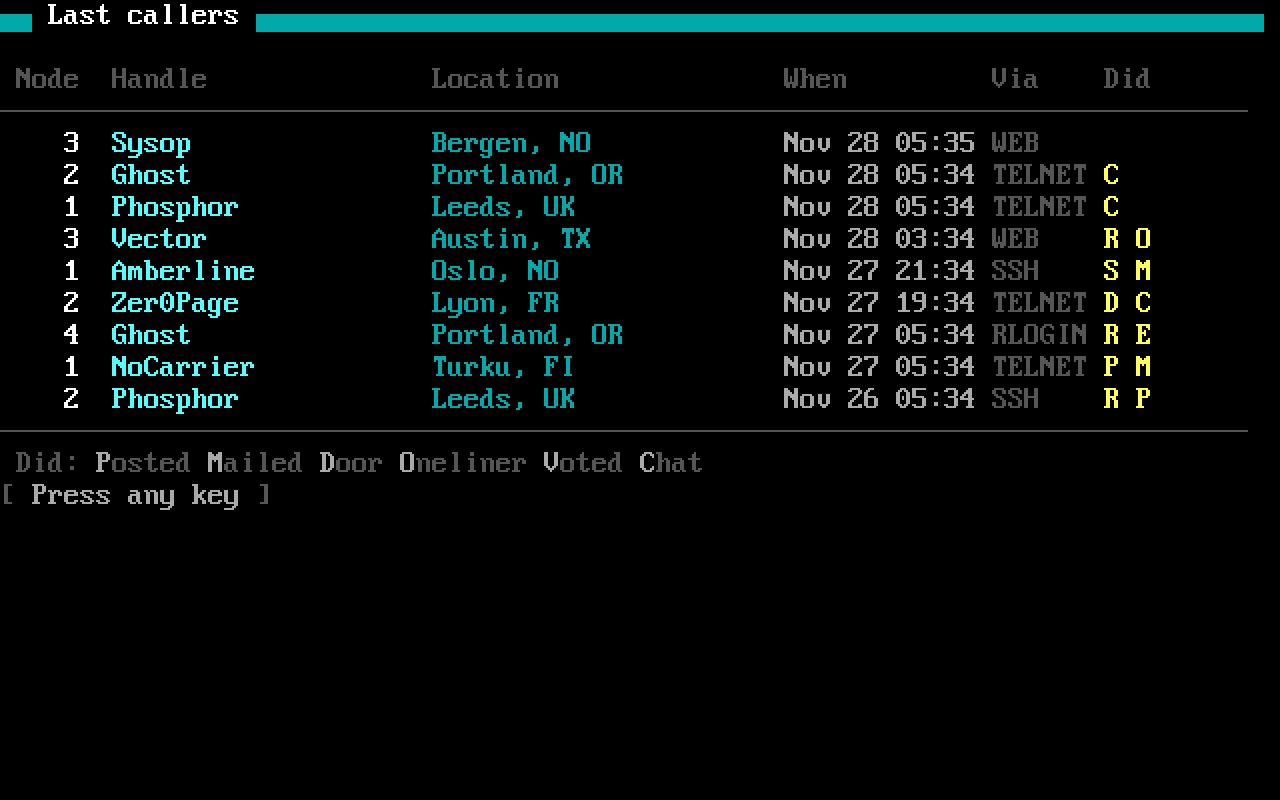
╔═╡ Last callers ╞════════════════════════════════════════════════════════════════════════════════════════════════════════════════════════ ╗
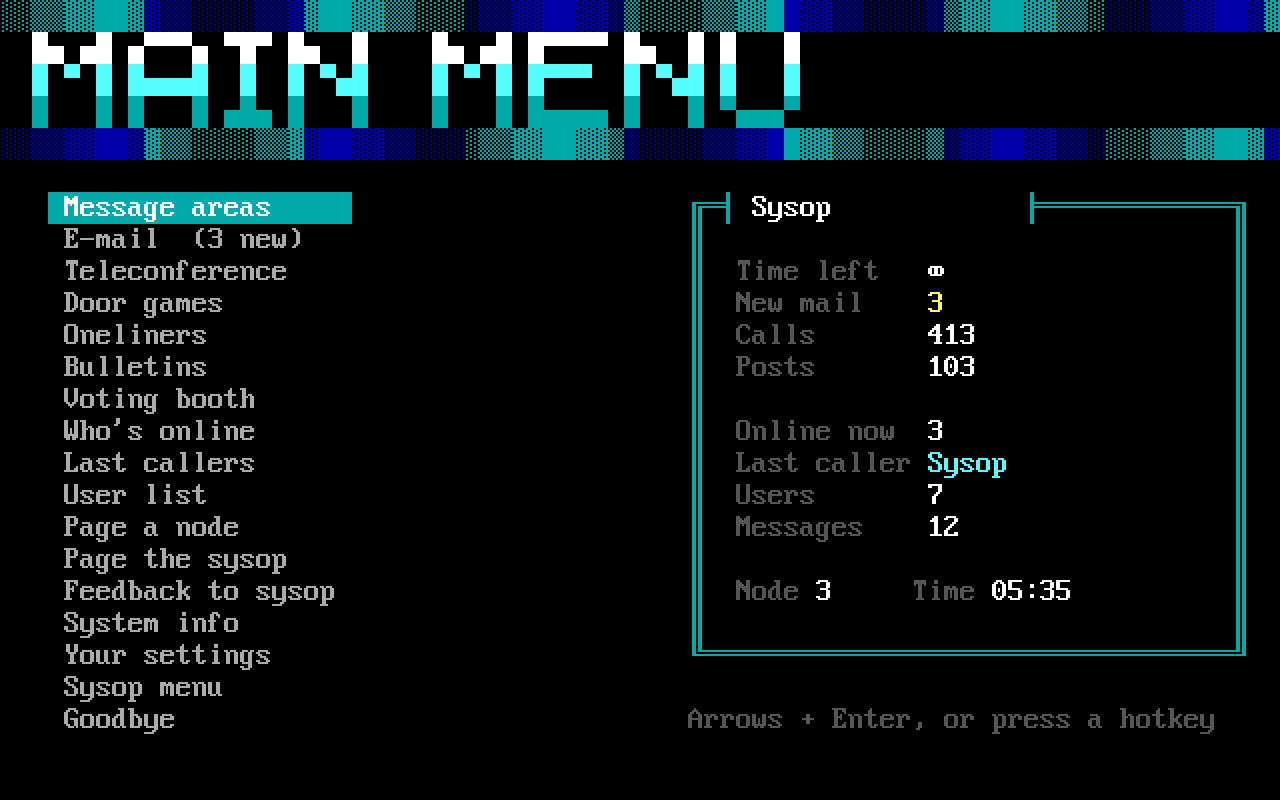
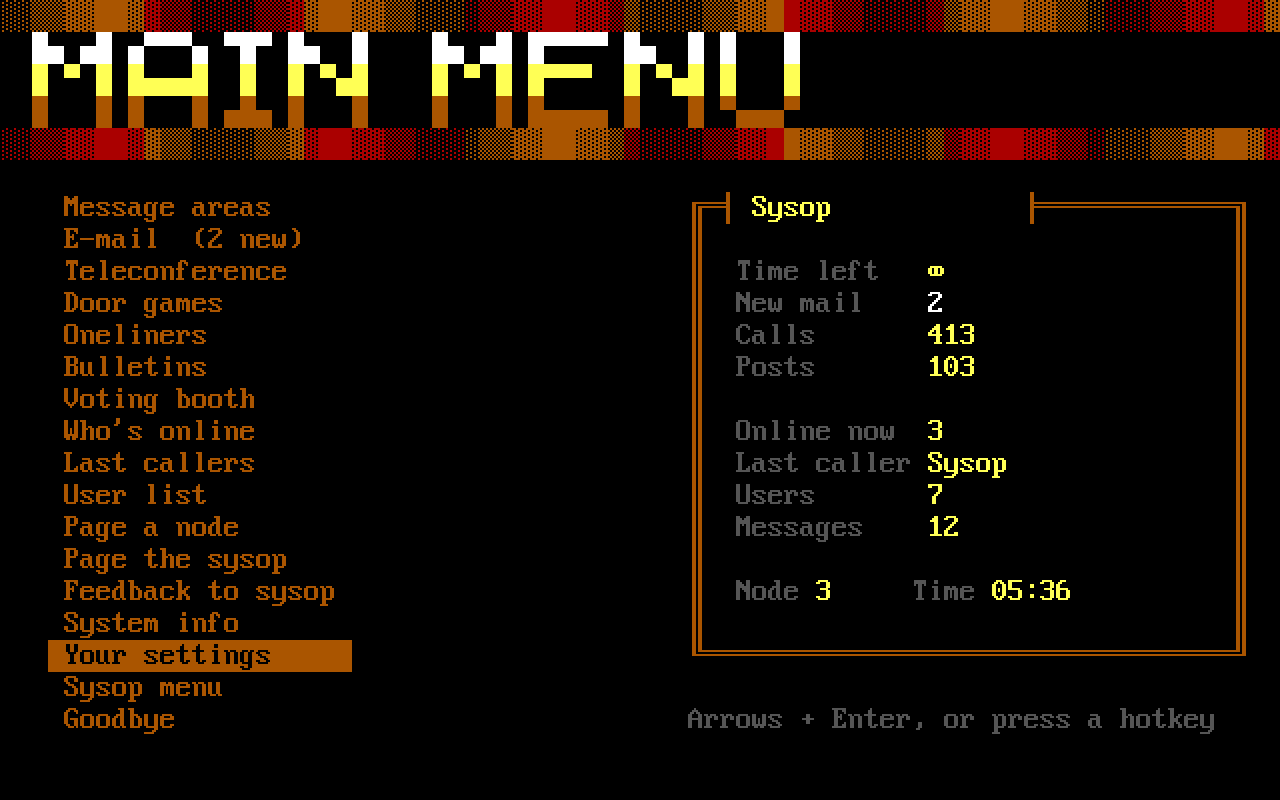
╔═╡ Main menu ╞════════════════════════════════════════════════════════════════════════════════════════════════════════════════════════ ╗
╔═╡ Main menu, amber theme ╞════════════════════════════════════════════════════════════════════════════════════════════════════════════════════════ ╗
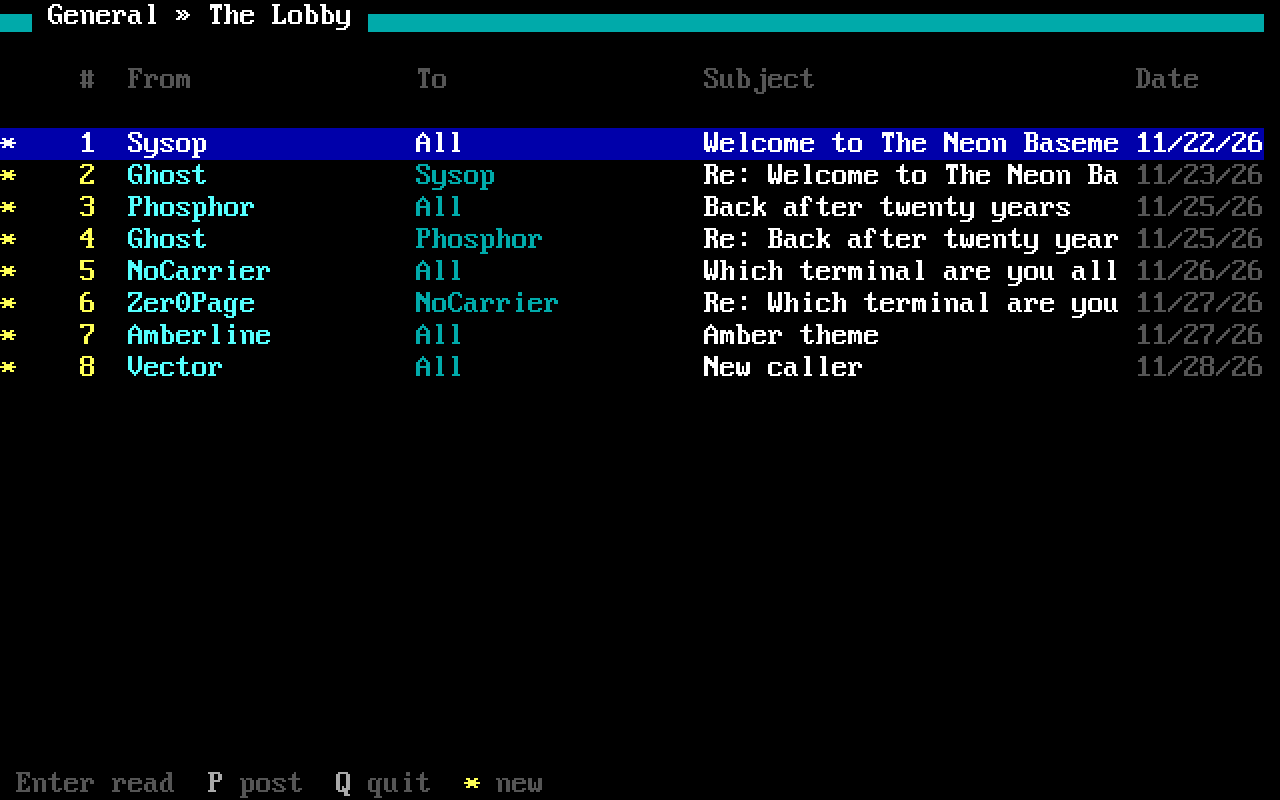
╔═╡ Message list ╞════════════════════════════════════════════════════════════════════════════════════════════════════════════════════════ ╗
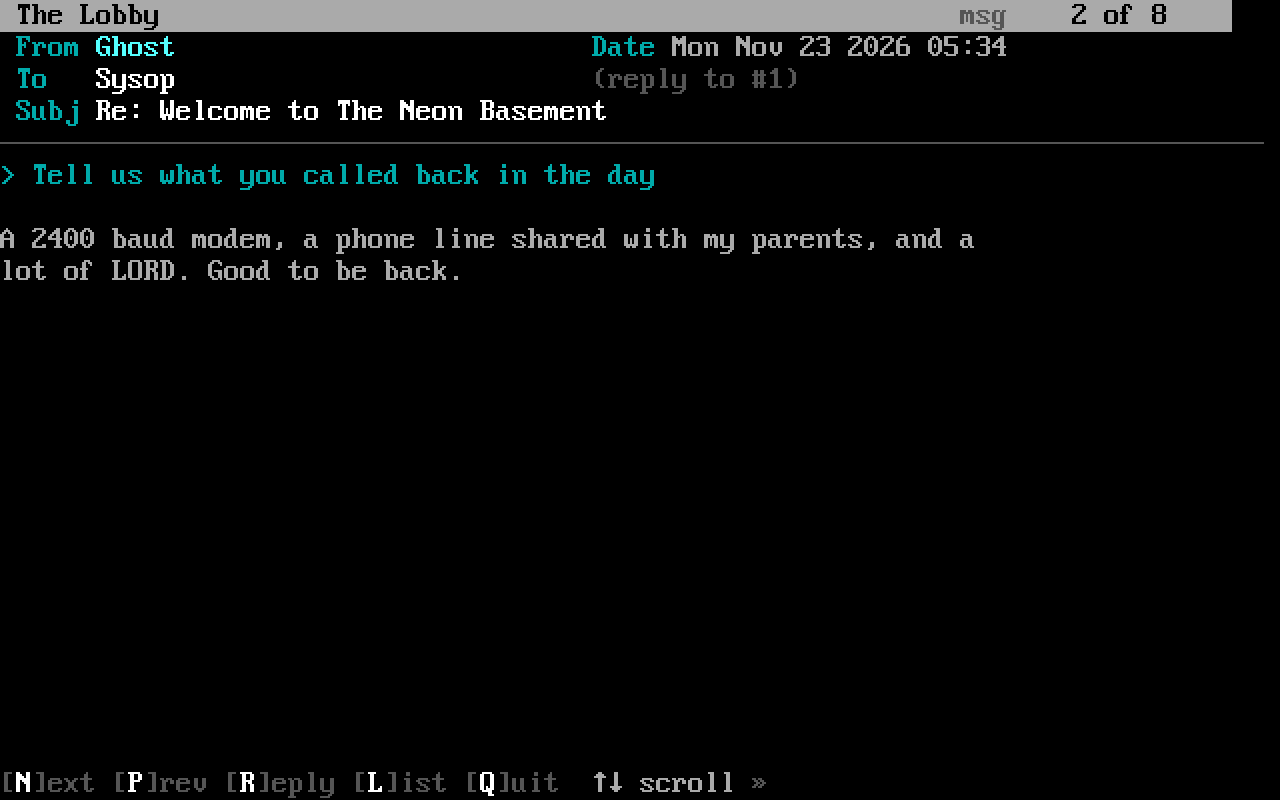
╔═╡ Reading a message ╞════════════════════════════════════════════════════════════════════════════════════════════════════════════════════════ ╗
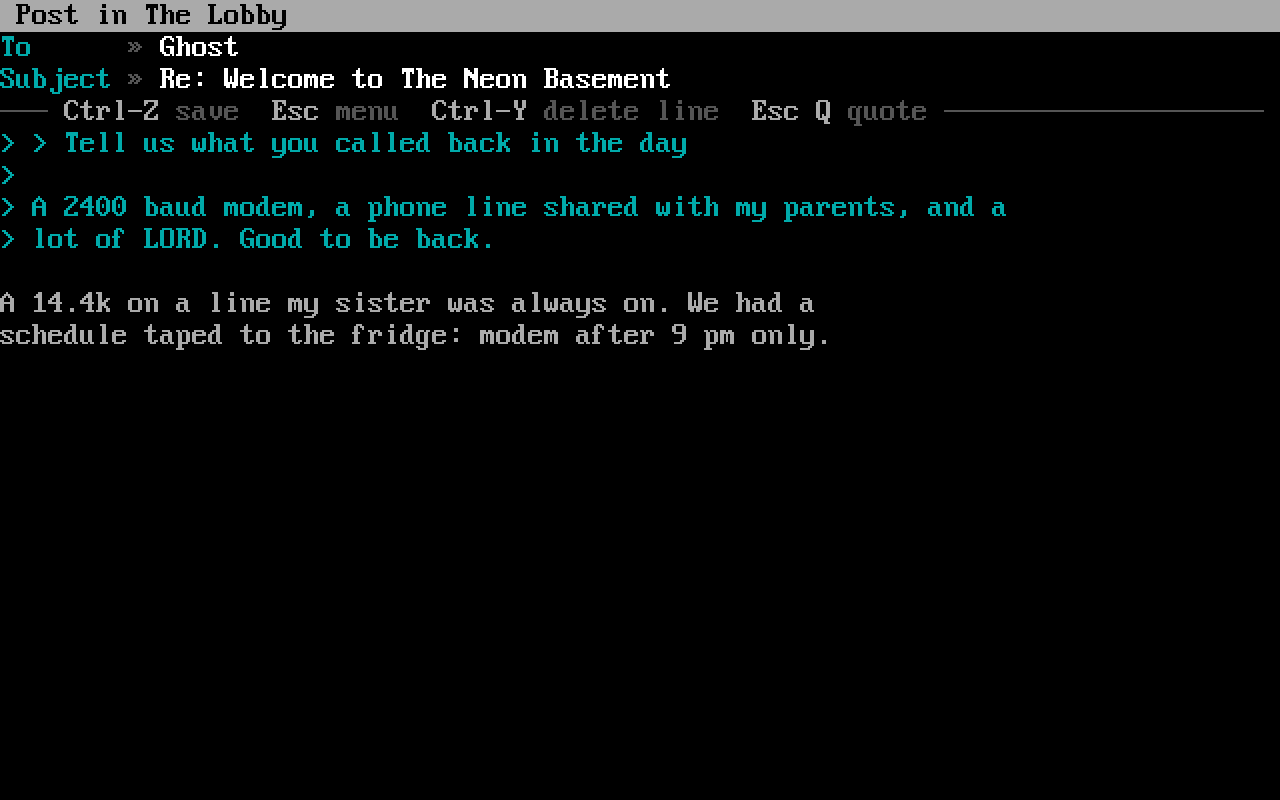
╔═╡ Full-screen editor ╞════════════════════════════════════════════════════════════════════════════════════════════════════════════════════════ ╗
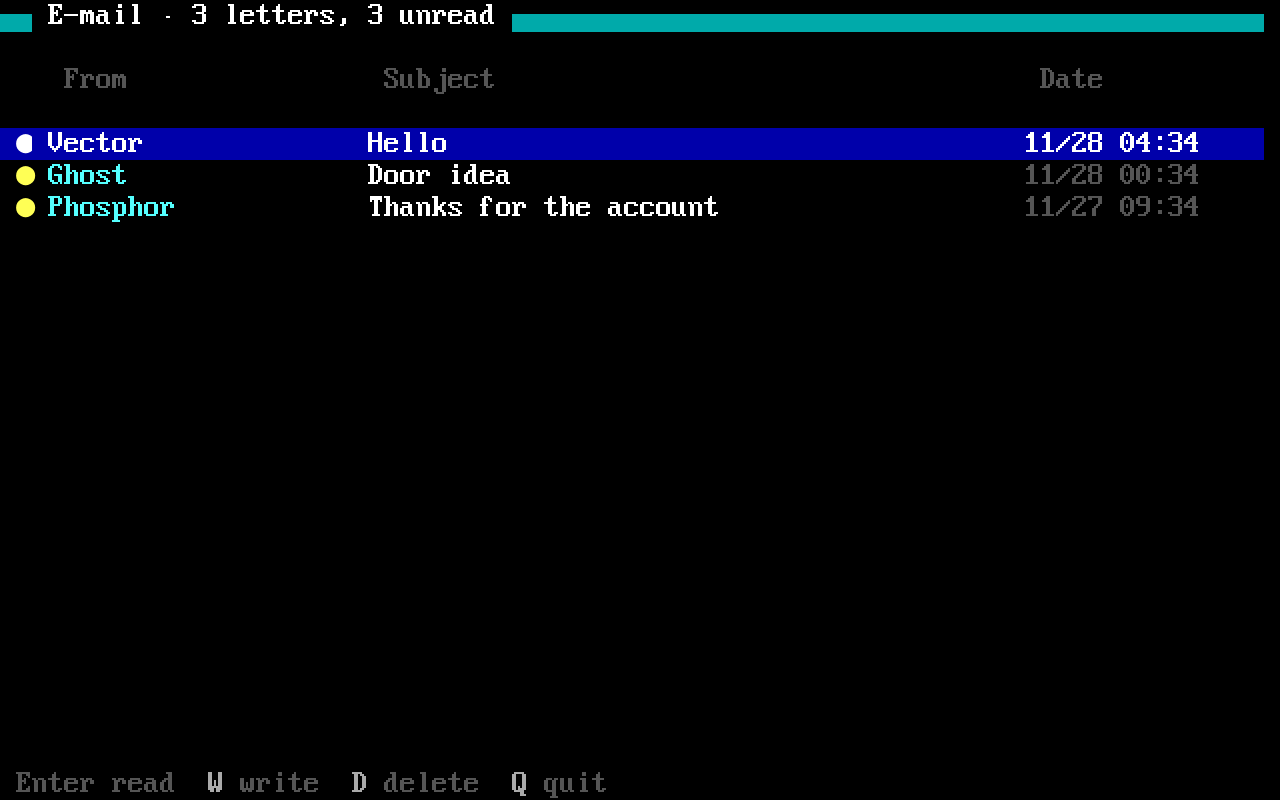
╔═╡ E-mail inbox ╞════════════════════════════════════════════════════════════════════════════════════════════════════════════════════════ ╗
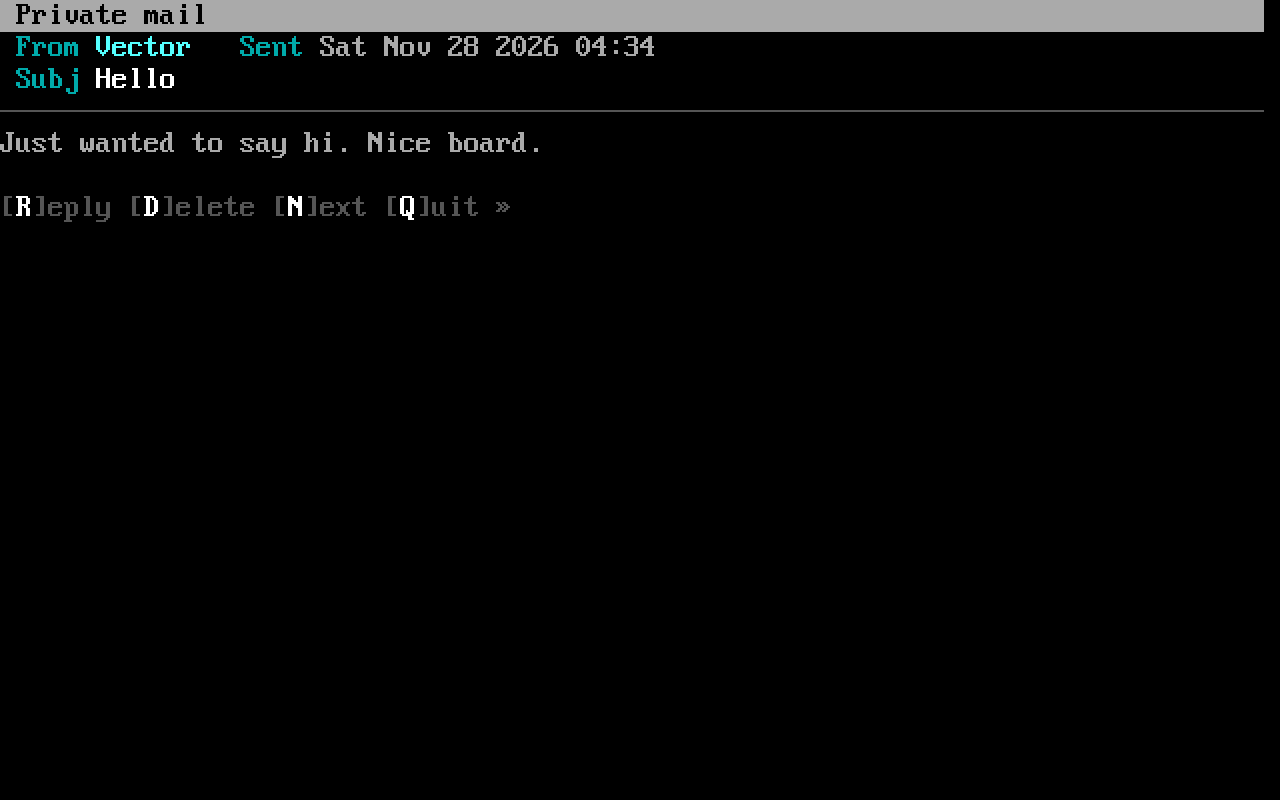
╔═╡ Reading a letter ╞════════════════════════════════════════════════════════════════════════════════════════════════════════════════════════ ╗
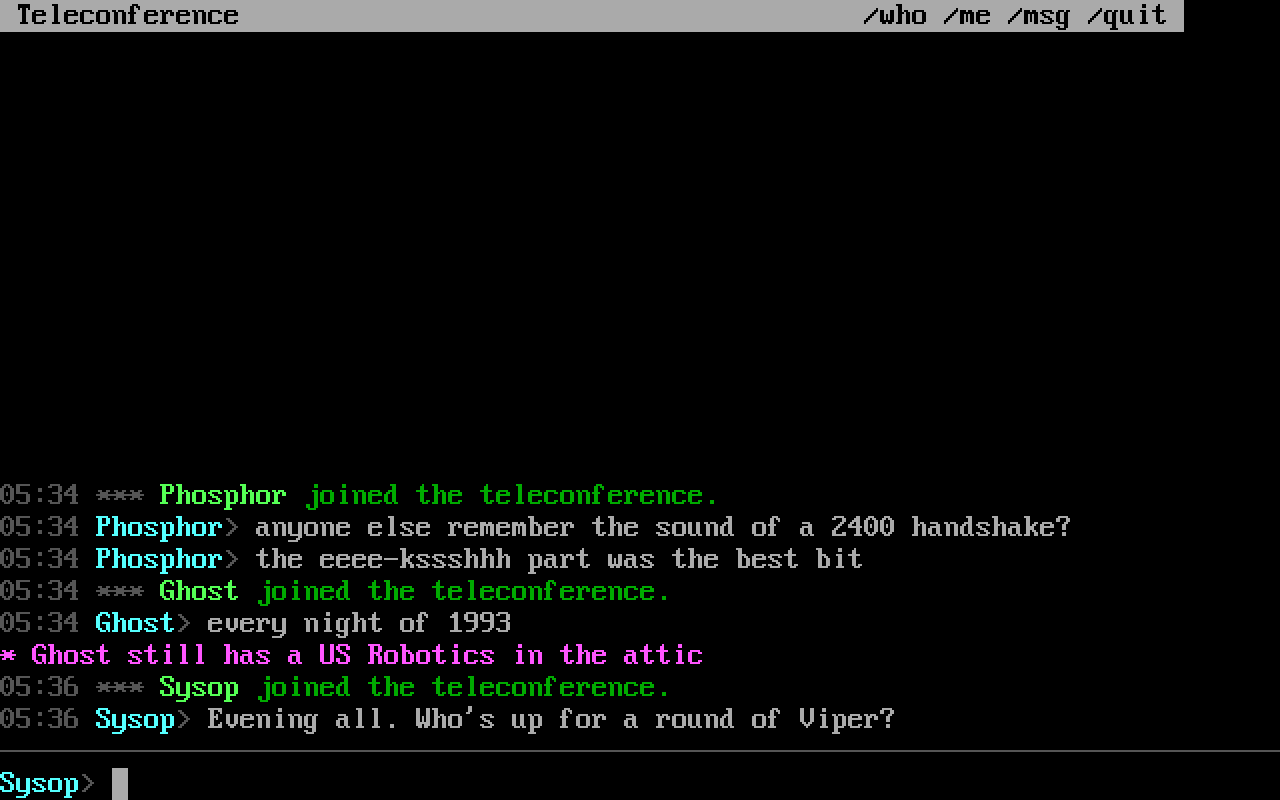
╔═╡ Teleconference ╞════════════════════════════════════════════════════════════════════════════════════════════════════════════════════════ ╗
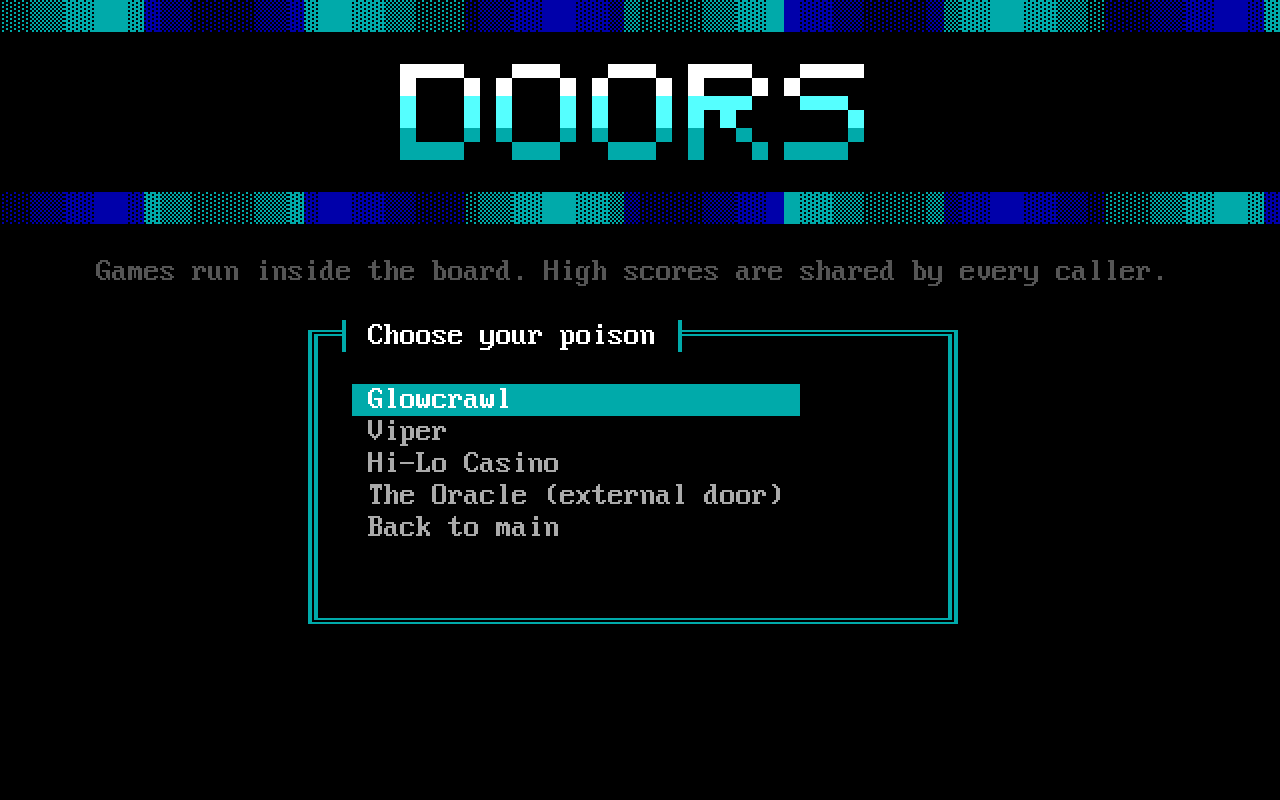
╔═╡ Door menu ╞════════════════════════════════════════════════════════════════════════════════════════════════════════════════════════ ╗
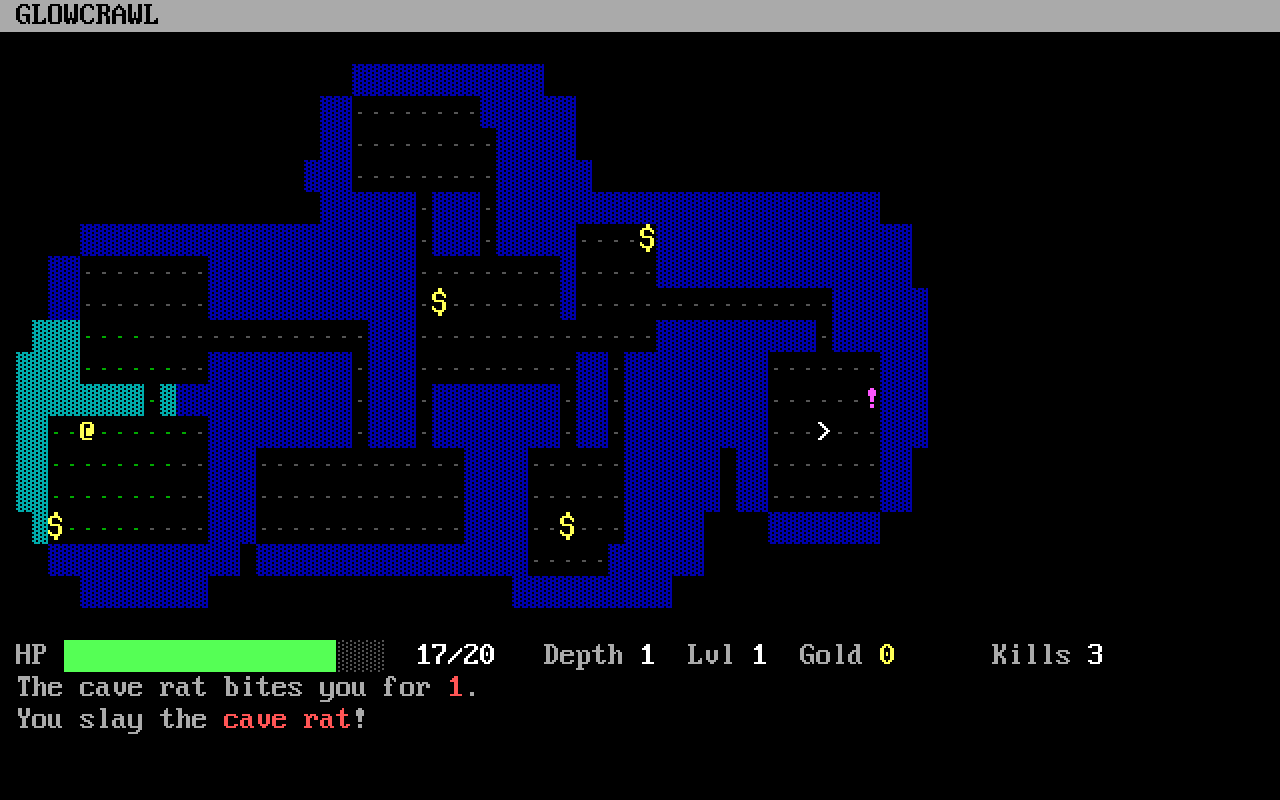
╔═╡ Glowcrawl ╞════════════════════════════════════════════════════════════════════════════════════════════════════════════════════════ ╗
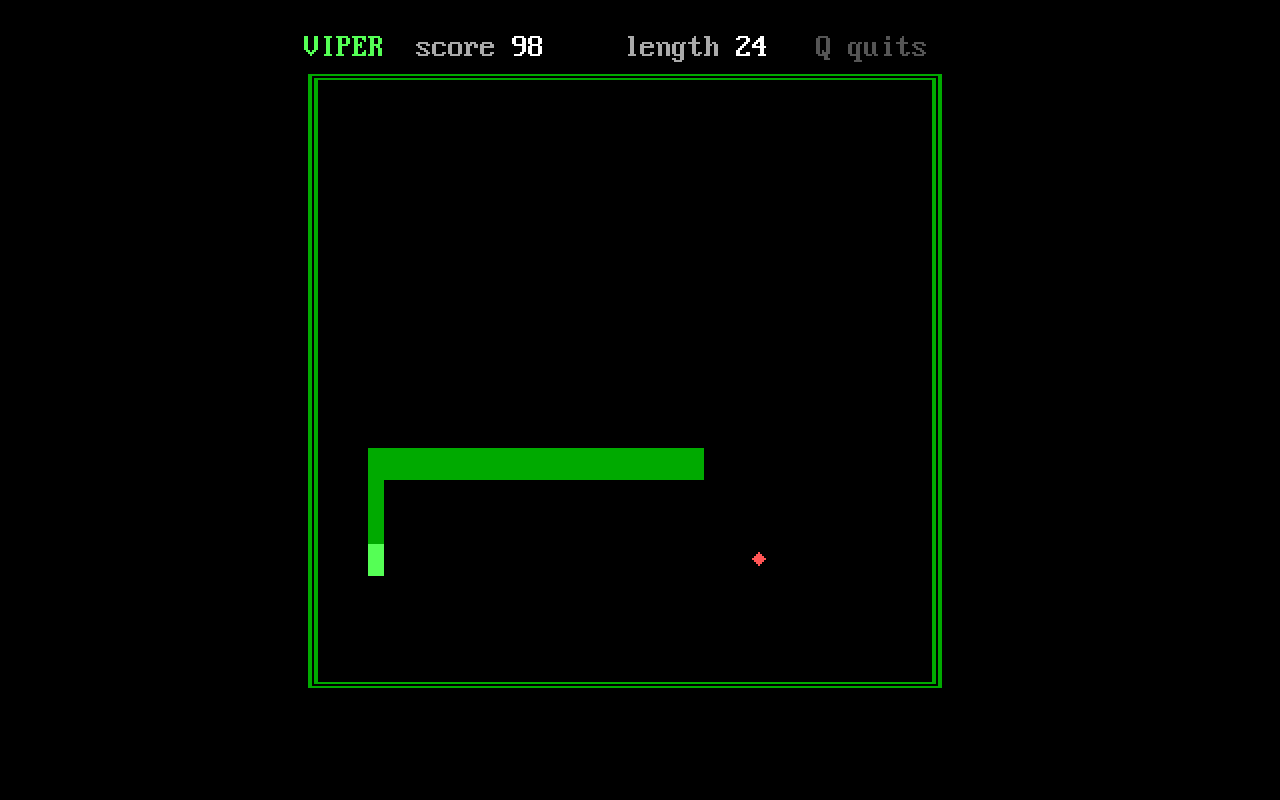
╔═╡ Viper ╞════════════════════════════════════════════════════════════════════════════════════════════════════════════════════════ ╗
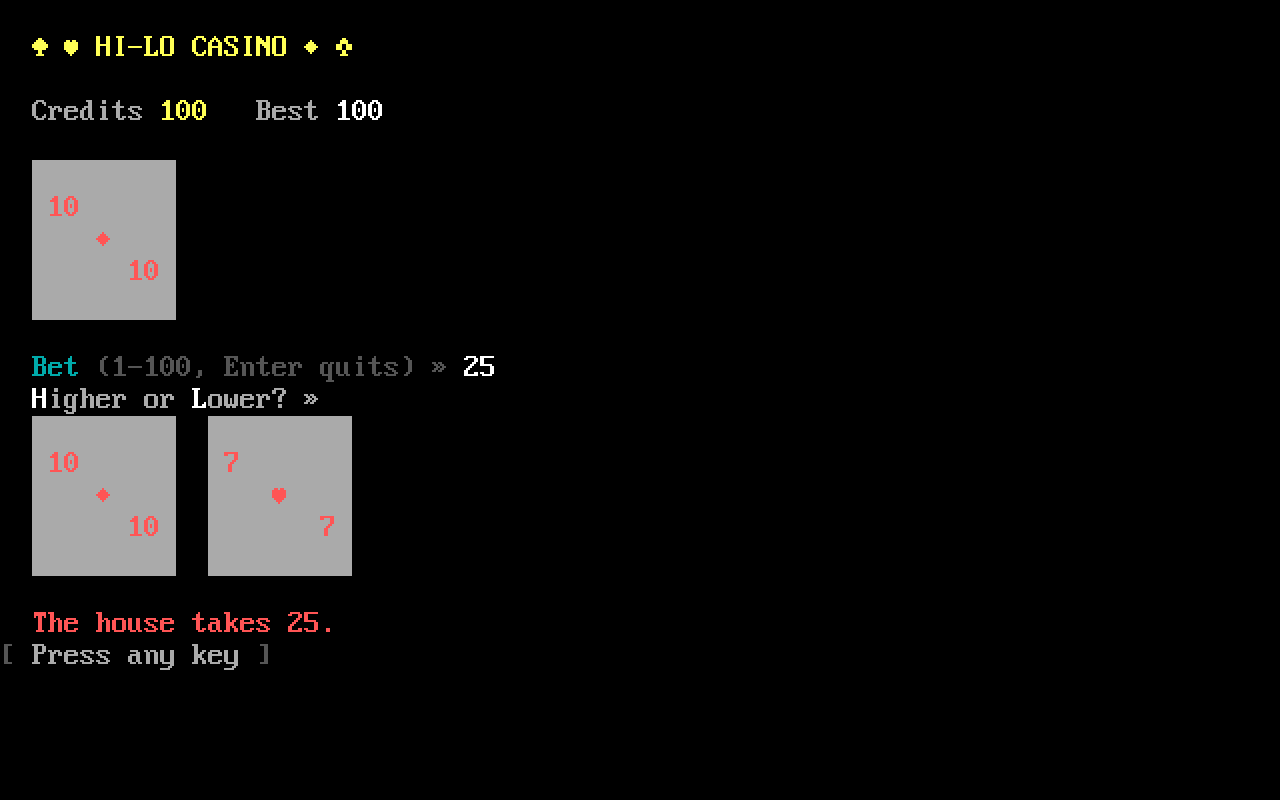
╔═╡ Hi-Lo ╞════════════════════════════════════════════════════════════════════════════════════════════════════════════════════════ ╗
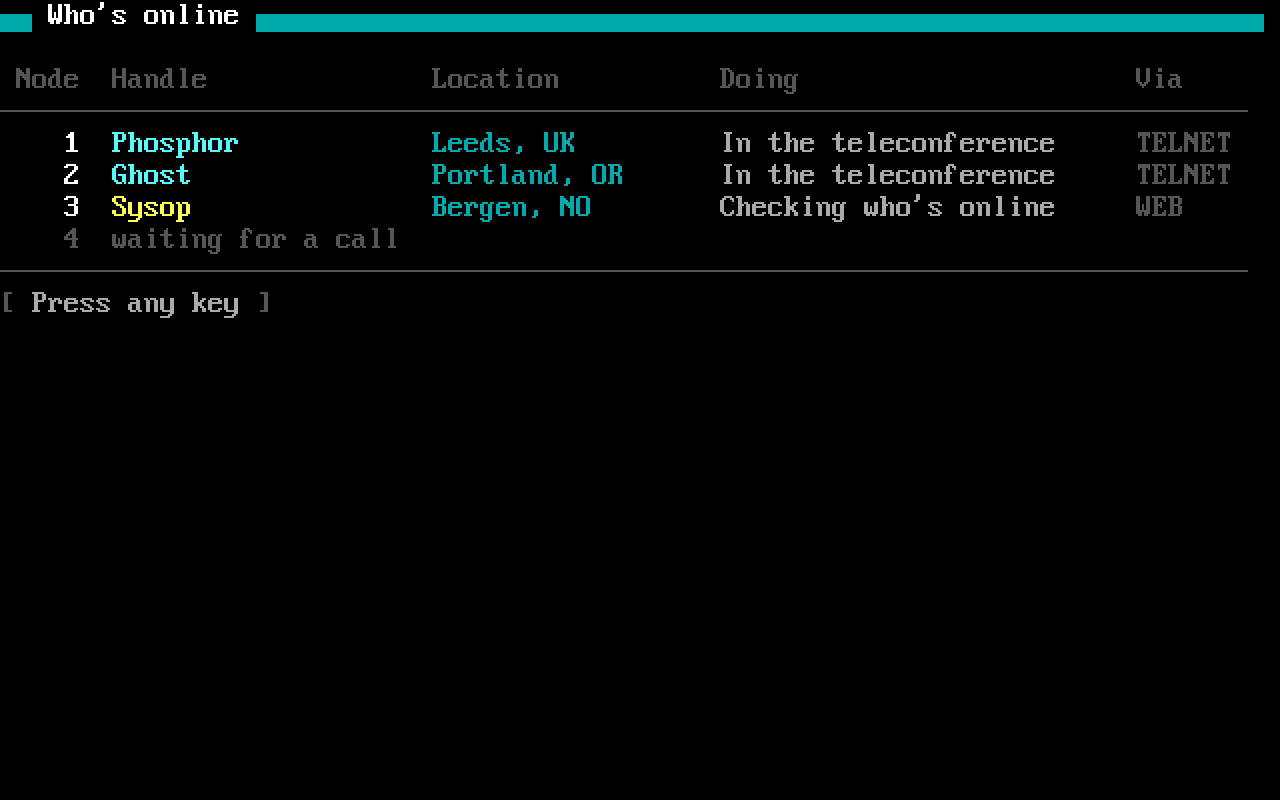
╔═╡ Who's online ╞════════════════════════════════════════════════════════════════════════════════════════════════════════════════════════ ╗
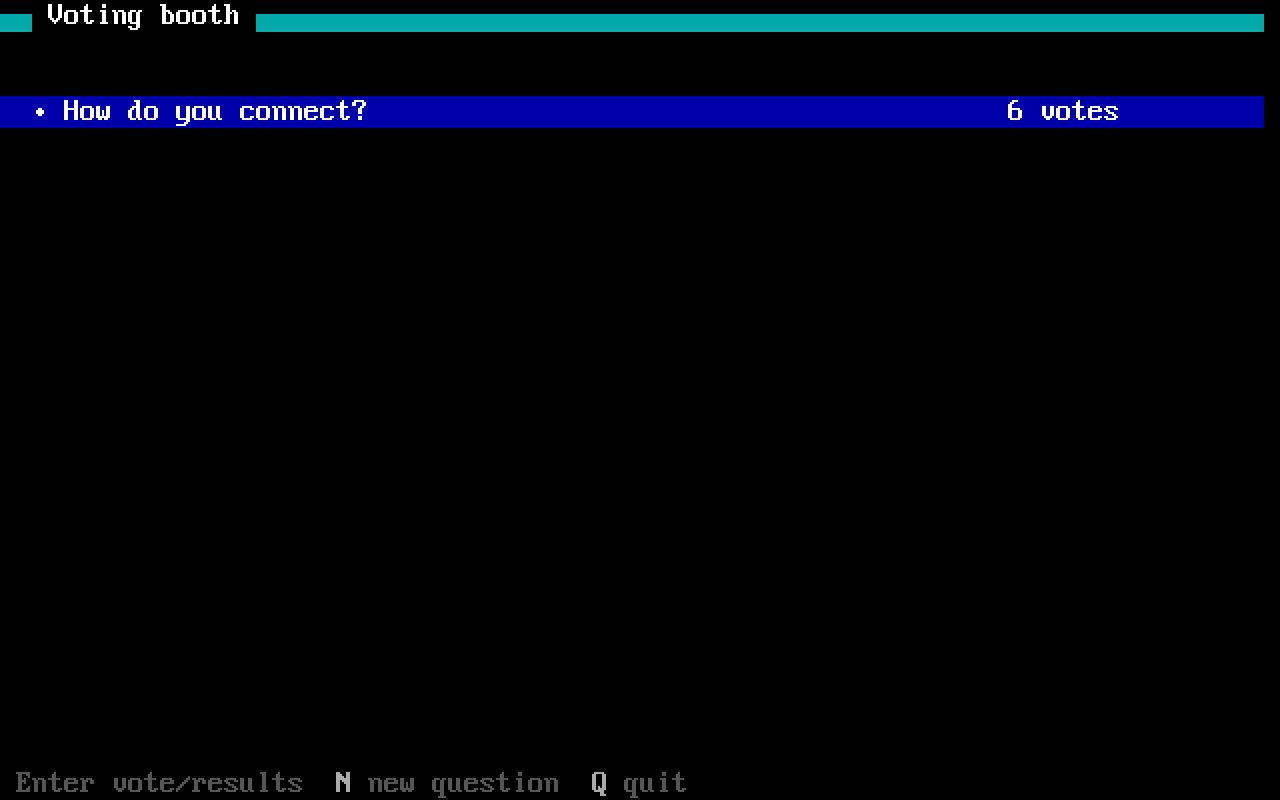
╔═╡ Voting booth ╞════════════════════════════════════════════════════════════════════════════════════════════════════════════════════════ ╗
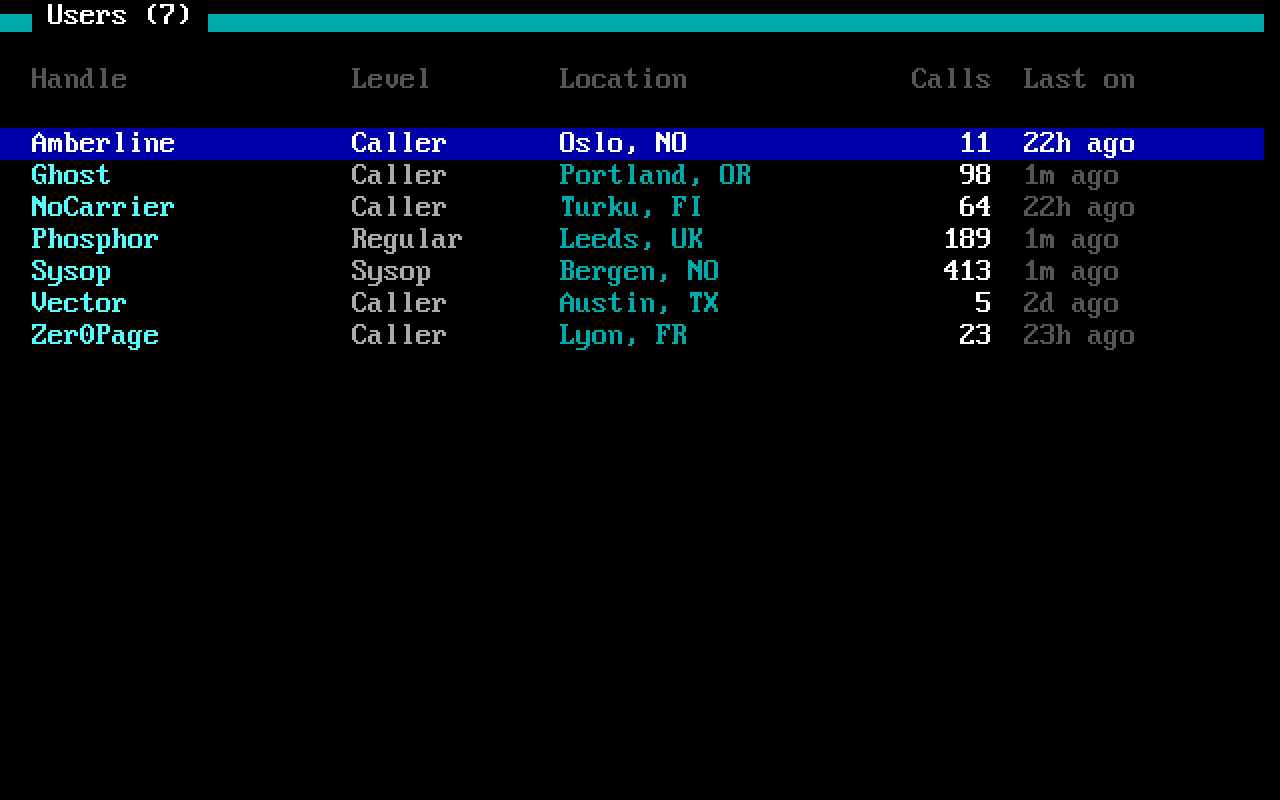
╔═╡ User list ╞════════════════════════════════════════════════════════════════════════════════════════════════════════════════════════ ╗
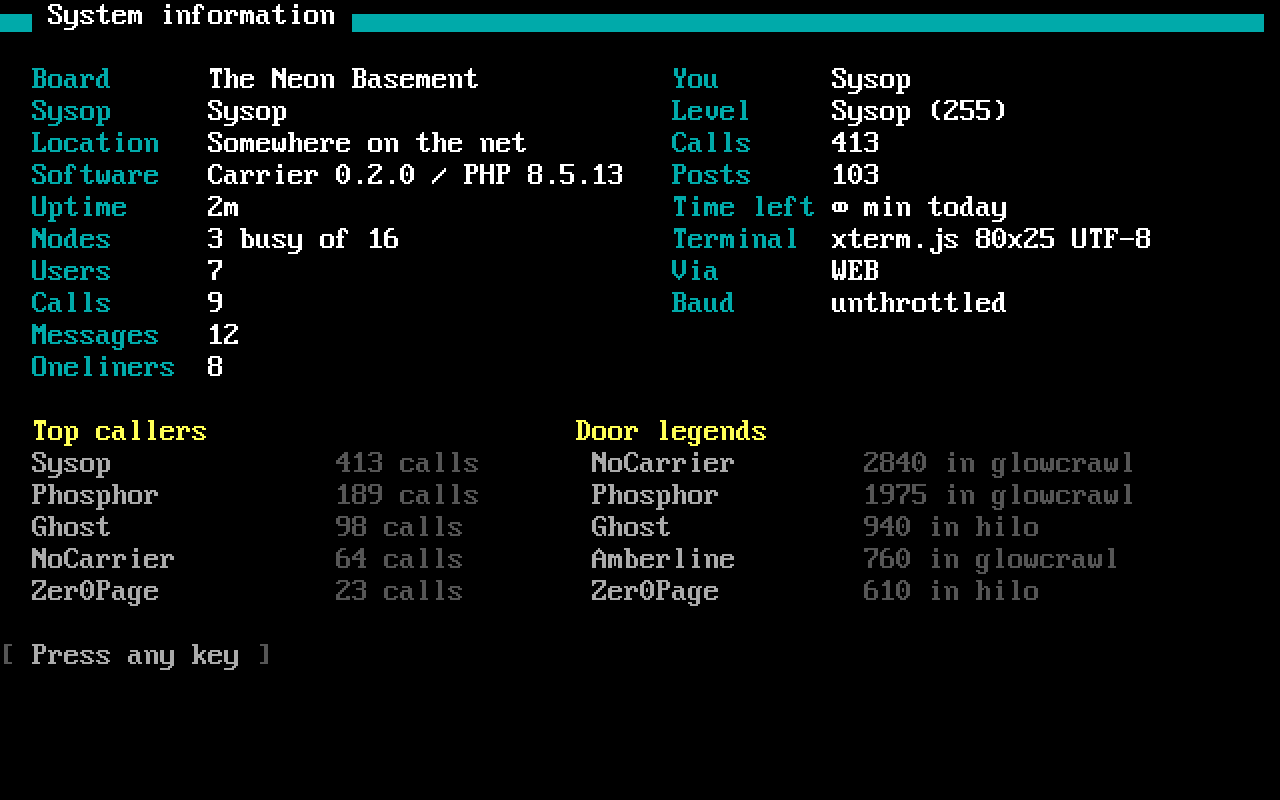
╔═╡ System info ╞════════════════════════════════════════════════════════════════════════════════════════════════════════════════════════ ╗
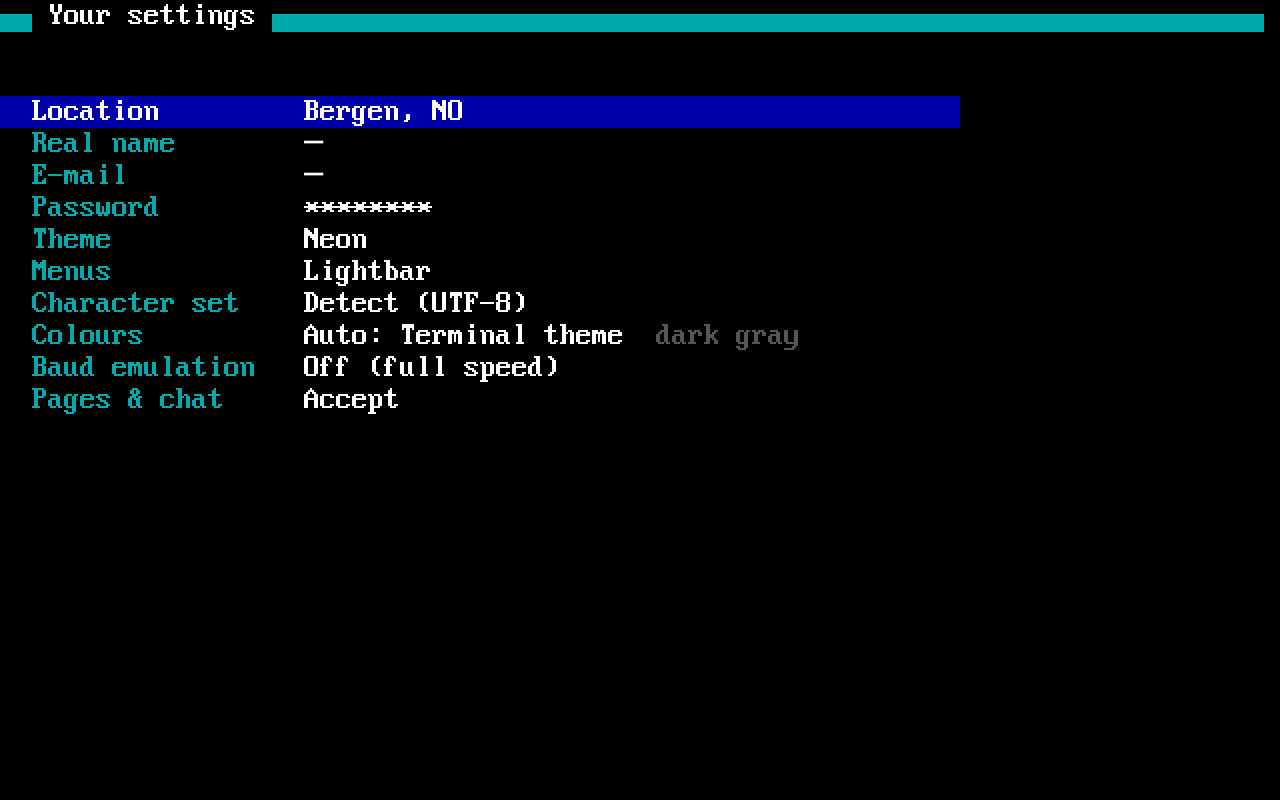
╔═╡ Settings ╞════════════════════════════════════════════════════════════════════════════════════════════════════════════════════════ ╗
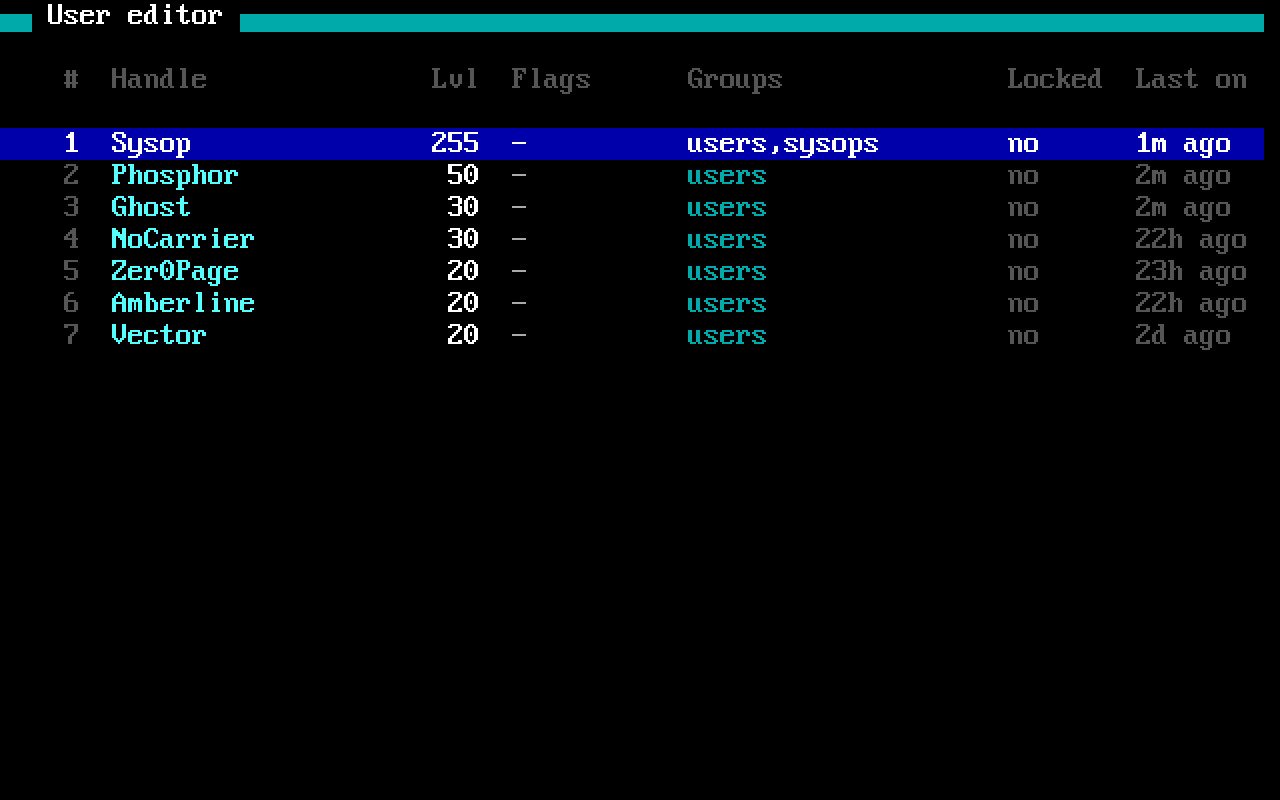
╔═╡ Sysop user editor ╞════════════════════════════════════════════════════════════════════════════════════════════════════════════════════════ ╗
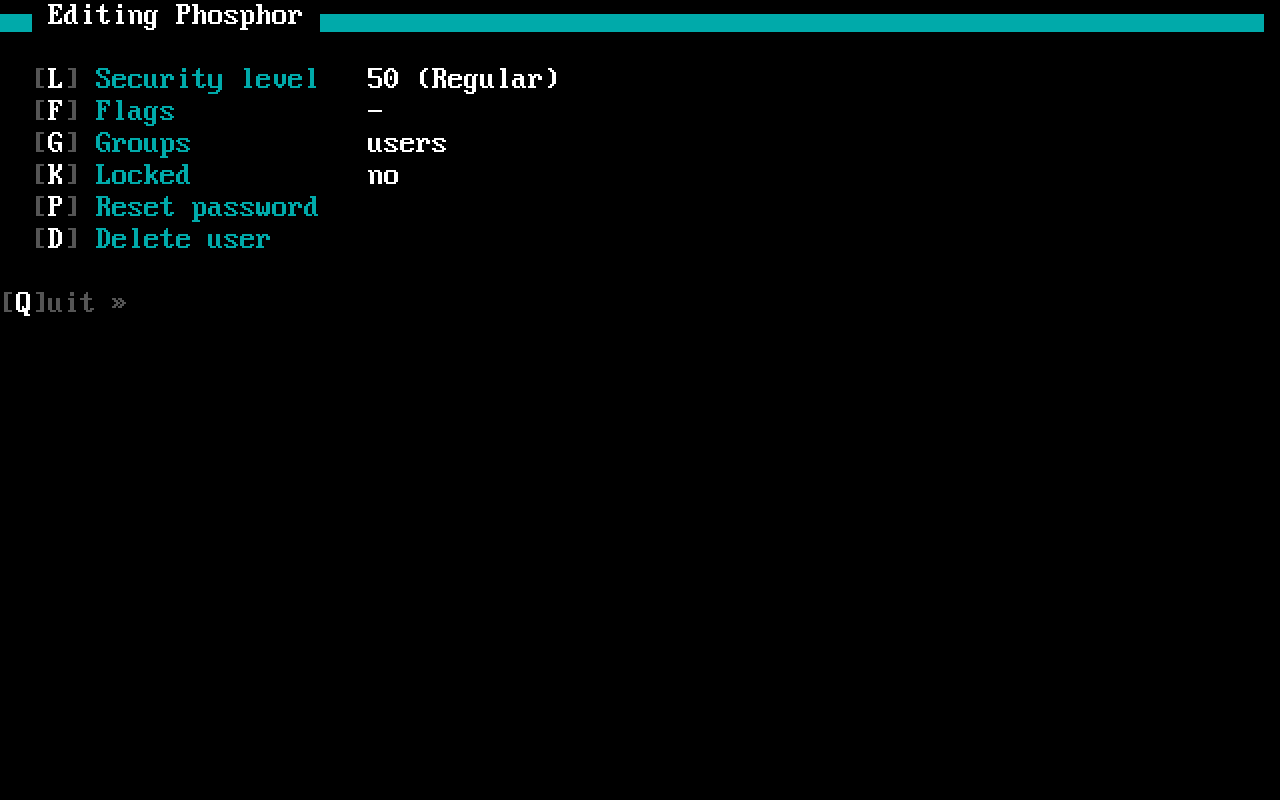
╔═╡ Editing a user ╞════════════════════════════════════════════════════════════════════════════════════════════════════════════════════════ ╗
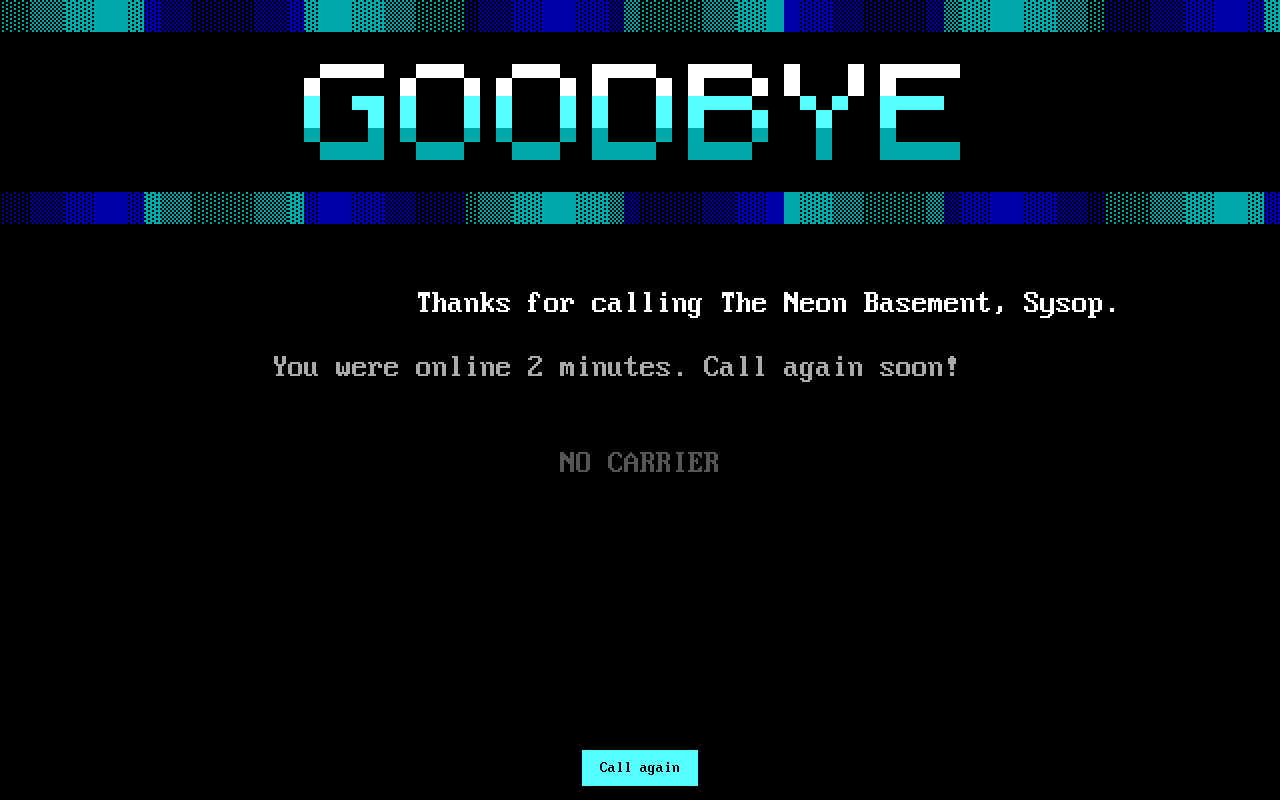
╔═╡ Goodbye ╞════════════════════════════════════════════════════════════════════════════════════════════════════════════════════════ ╗